

See how airtime is shared
in Google Meet.
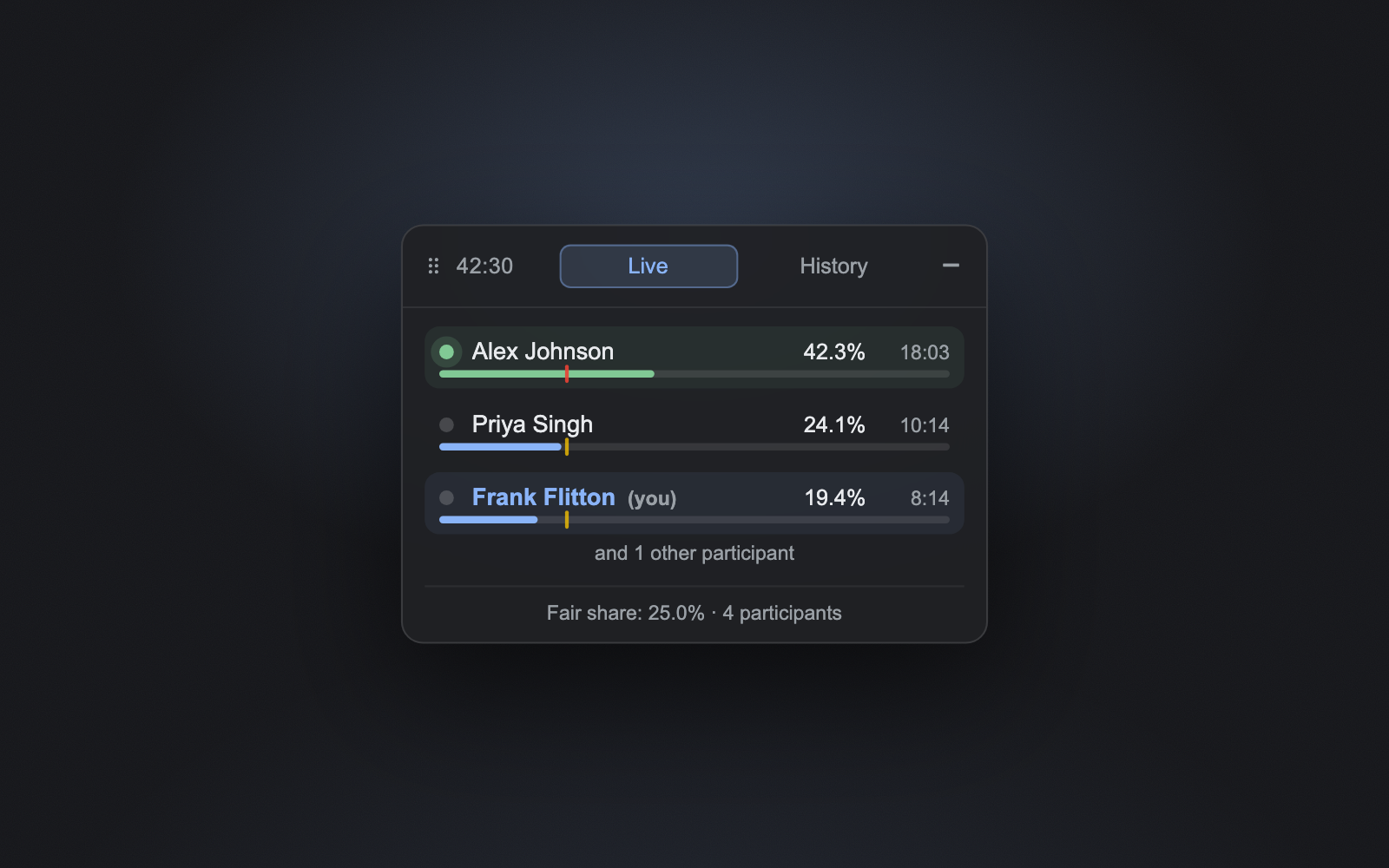
Airtime adds a live panel that tracks how long each person speaks — with a fair-share line so you can tell whether everyone's getting heard, or one voice is doing all the talking.
Works automatically on meet.google.com · No sign-up
For the room
Is everyone getting heard?
The fair-share marker shows what an even split would look like, so facilitators can make sure quieter people get airtime and meetings stay balanced.
For you
Am I dominating or fading?
The panel collapses to a single chip showing your own talk-time %, so you can keep yourself honest without watching everyone else.
Everything in the panel
Live speaking-time tracking
Every participant's talk time, measured in real time as the call happens.
Per-person percentages
Live bars and percentages show exactly how airtime is split across the room.
Fair-share line
A reference marker for an even split — instantly see who's over or under.
Follows picture-in-picture
Stays with Meet's PiP window when you switch tabs, so the numbers travel with you.
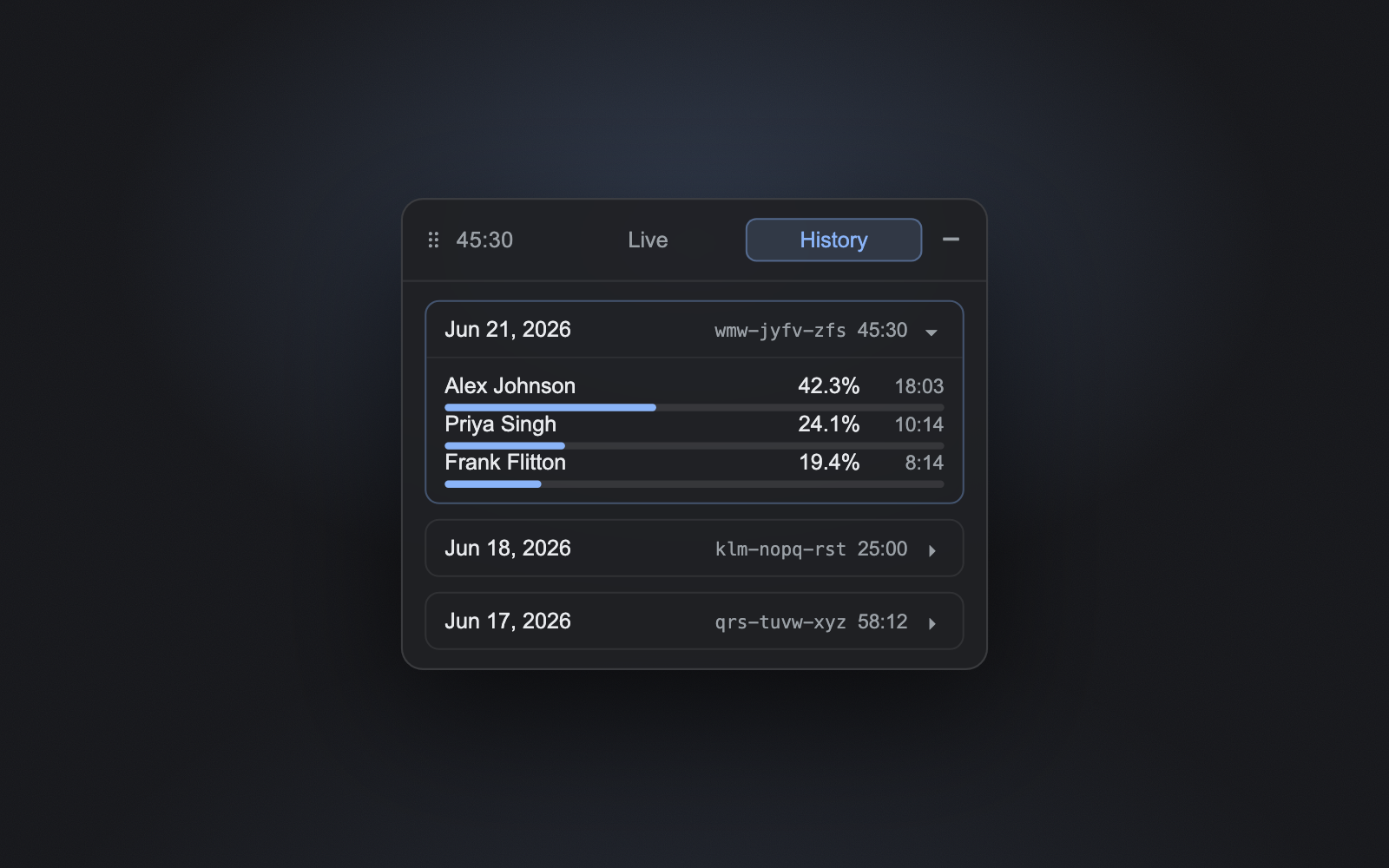
Automatic history
Keeps your last 20 meetings so you can look back at how conversations went.
100% private
No account, no servers, no tracking. Everything stays on your device.
Private by design
No account, no servers, no tracking. All data is stored locally in your browser (chrome.storage.local) and never leaves your machine. Airtime can't access your audio, video, or microphone — it only reads the on-screen speaking indicators.
Know if everyone's getting heard.
Add Airtime to Chrome, join a Meet call, and the panel appears automatically.
Add to Chrome — it's free