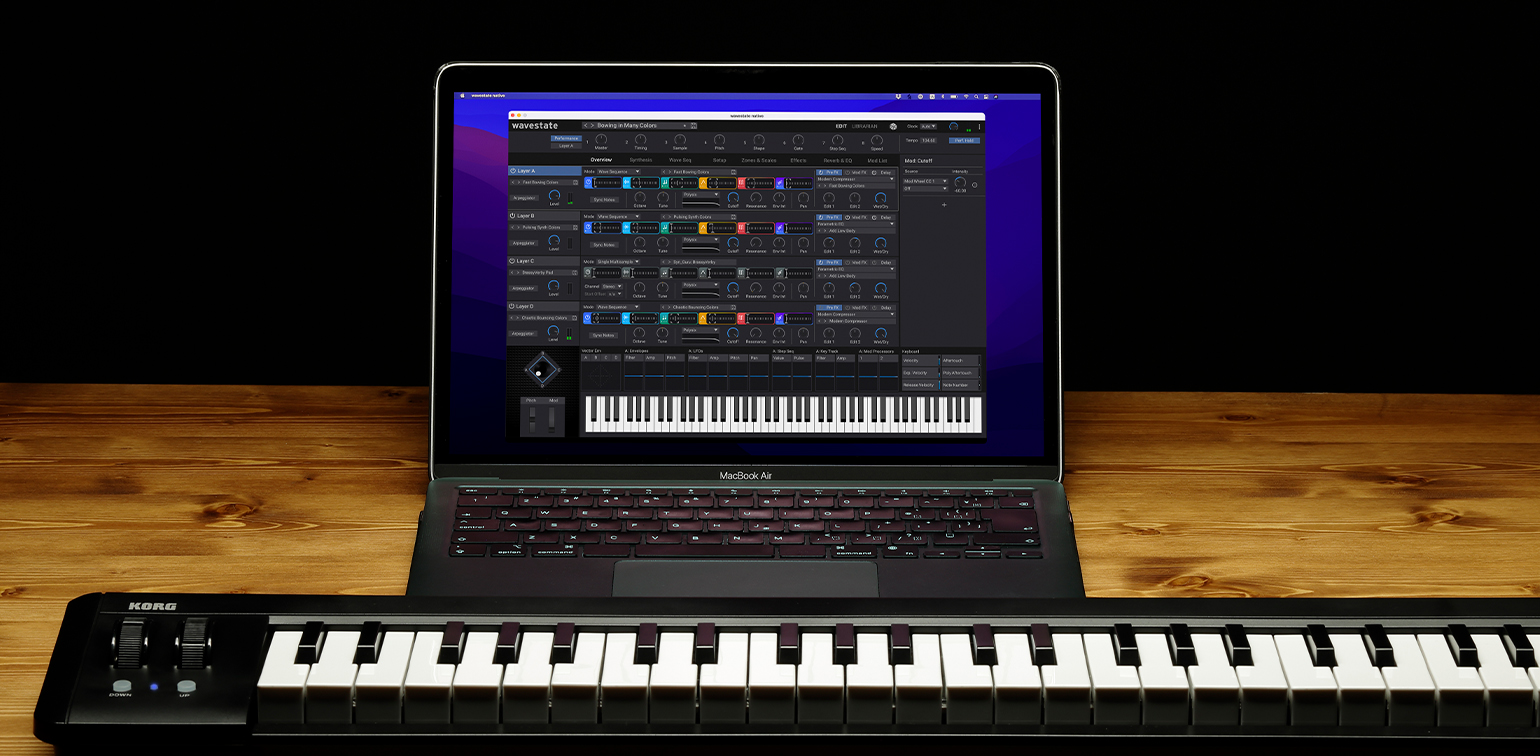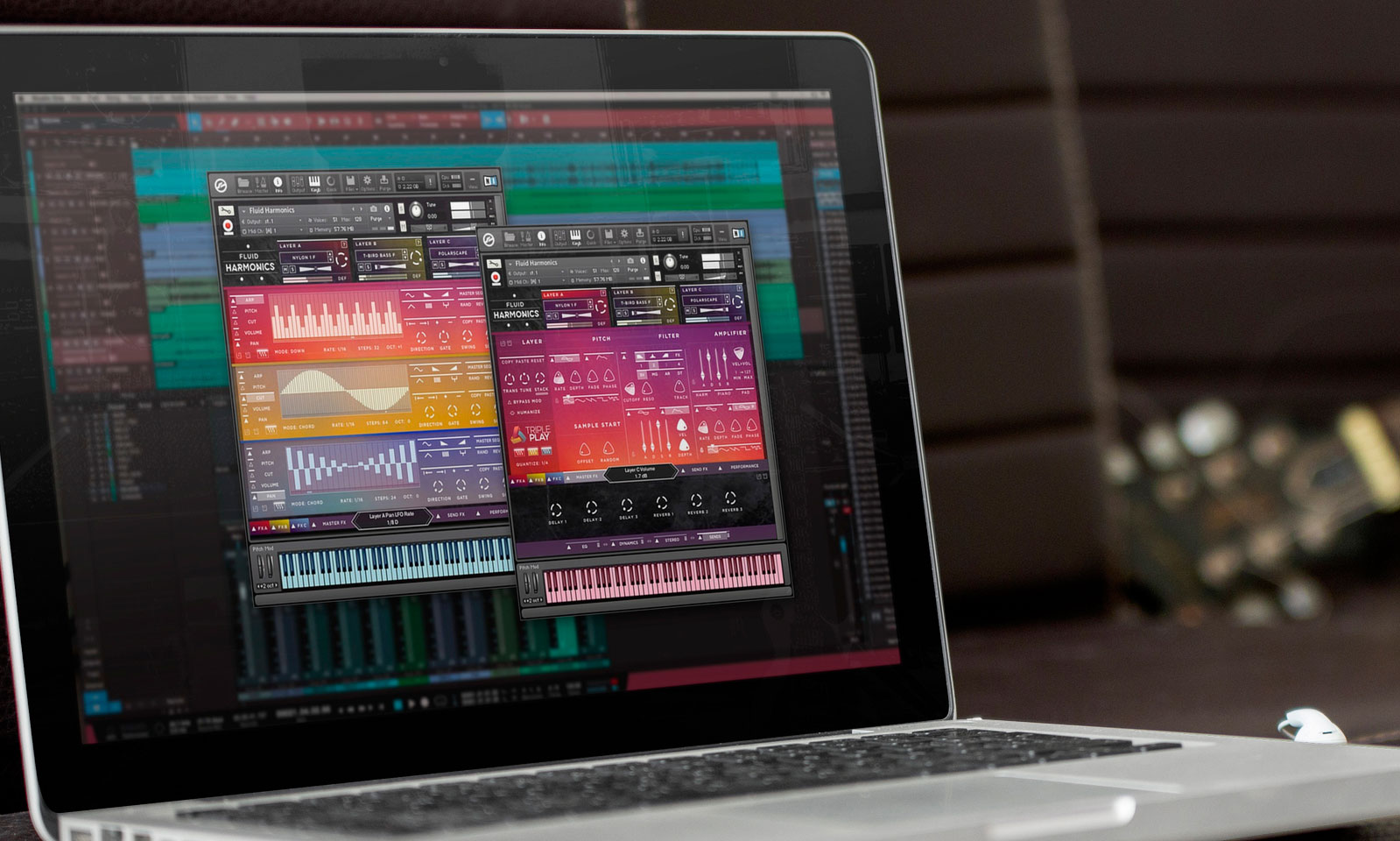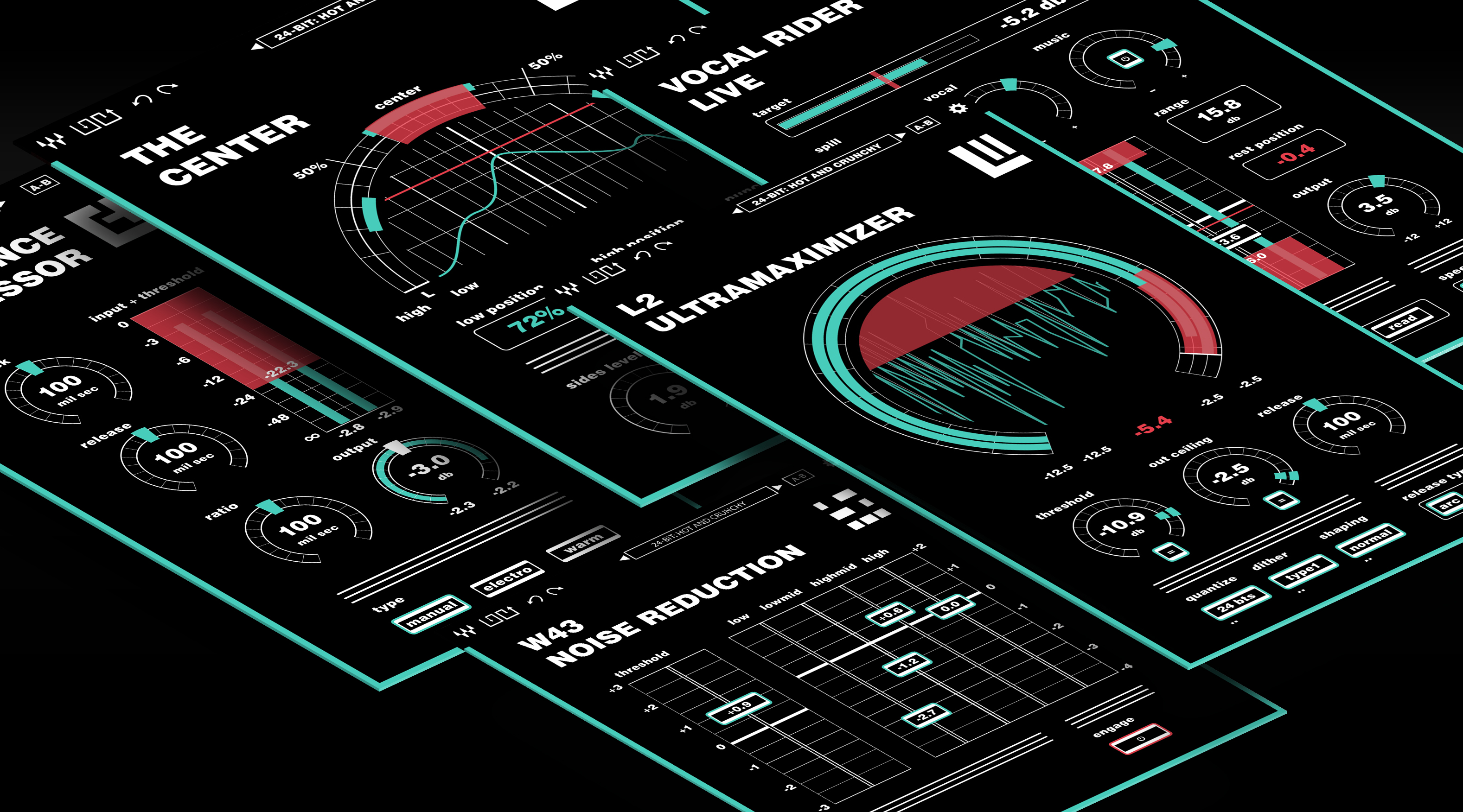
There are two ways to produce music without the expense of a recording studio: loop samples and digital instruments. Digital instruments have come a long way over the last decade but their loop sample counterparts haven't enjoyed the same leaps in innovation.
Loop samples are often regarded as a repetitive hassle or a cheap band-aid in the community due to the friction associated with working with them. This friction is caused by the lack of discoverability, cost of acquiring unique sound samples, and the cumbersome workarounds needed to tweak each loop to fit your music piece.
How might we eliminate the friction associated with working with loop samples and create a flexible workflow in a digital platform?Client
Big Fish Audio
Category
Audio Product
Contributions
- UX Research
- UX Design
- UI Design
- Creative Direction
- Logo and Branding
Project Link
Promo Video
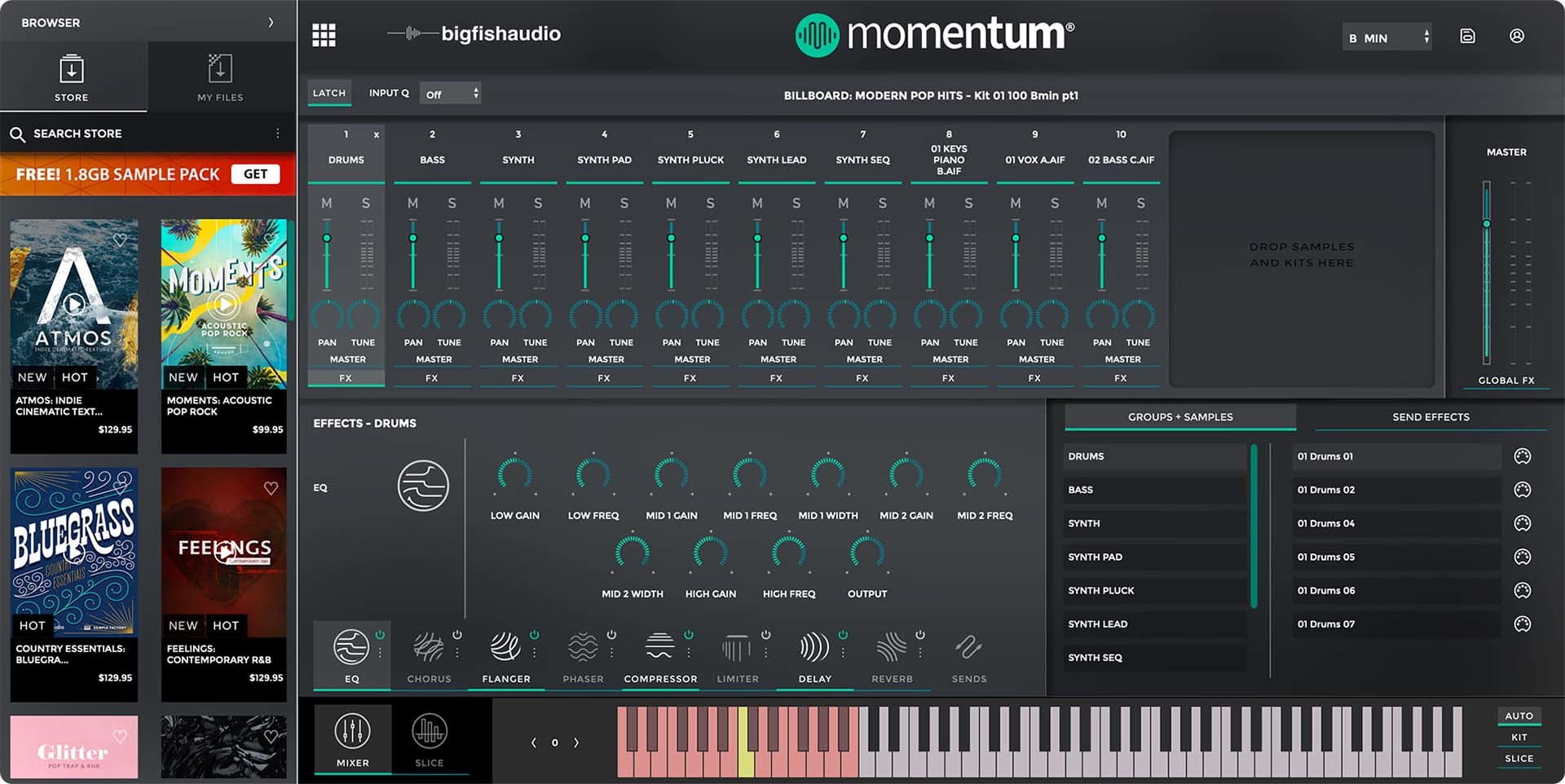
Momentum is the next generation of Music Loop Software. This plugin is a powerful loop transformation platform that allows you to slice, stretch, change the key, rearrange, and compose from multiple samples and sources, as well as find that perfect one-shot inside your loop.
It gives users access to Big Fish Audio’s world-famous loop libraries right inside the plugin. Ranging from Hip-Hop beats to Symphony Orchestra sections, the loop libraries contain hundreds of sound files that "just work" with each other and are meant to inspire your next project.
Unlike other loop platforms, Momentum is completely free and doesn’t have any subscription fees.
User Journey
The workflow for working with samples is very similar across audio engineering creative industry. Users that specialize in composing original music and or producing a client's track use samples (loops or one-shots) in their digital audio workstations. Although they treat the samples differently to achieve specific outcomes, the workflow is near identical.
Jennifer wants to find a sound for a new piece of music that she's working on. She has a deadline approaching and needs quick, flexible inspiration.
- •Ability to compare samples with the rest of the music
- •Smooth integration into her composition with consideration to speed, key, pitch, and rhythm
- •Find new sounds quickly
Point of inspiration
“I need a great beat or some ear-candy”
Rummage through sound library folder
“Leaving the music software breaks my concentration”
Audition sound candidates from your sound library folders
“It's hard to know what's in the pack and if it will work in my composition”
Find nothing, look for new samples online
Find a sample pack that works for your music piece
“Found the needle in a haystack”
Add the sample to your library and composition
It doesn't quite fit: pitch, speed, volume
“Ugh… more busy work. Could be an hour of fine tuning.”
Re-position samples on the timeline
Humanize each sample instance
Blend the new sample into the composition
“I LOVE it when it comes together”
Play with the composition, feel inspired
“Tweaking the FX is where the magic lives.”
Very quickly we honed in on 2 primary pain points.
Static sound assets (loops and one-shots) are hard to dynamically manipulate. Users can't easily manipulate them with either modern hardware OR software. A traditional take on e-commerce isn't working for pro and semi-pro users that may purchase two or three loop packages (around $100 USD each) per project. Context switching is costly for users especially with a fragmented shopping experience. So, in addition to creating a tool that allowed loop library samples to be easily used in compositions, we needed to create a platform where our users don't have to browse endless websites or rummage through their hard drives.
By including the e-commerce gateway inside the app, this allowed musicians to instantly audition tens of thousands of sample libraries from Big Fish Audio's catalogue. It added massive value to the pro and semi-pro user segments by cutting down the amount of time required to discover these sounds and offered a faster path to purchase.
The decision to offer Momentum for free reduced the barrier to user adoption. Each download came with a massive 1.8GB sample loop pack with the featured preset sound kits. In addition to the Big Fish Audio store, users can add any sound file from their existing and personal collection of sounds in to the Momentum Sound Engine, thus disrupting how samples are used in music compositions.
The end result? A powerful tool that pro and semi-pro users can use to easily access inspirational sound packs and improve their productivity tenfold.
Momentum is disrupting the music production landscape by centralizing loop library workflows onto one platform.
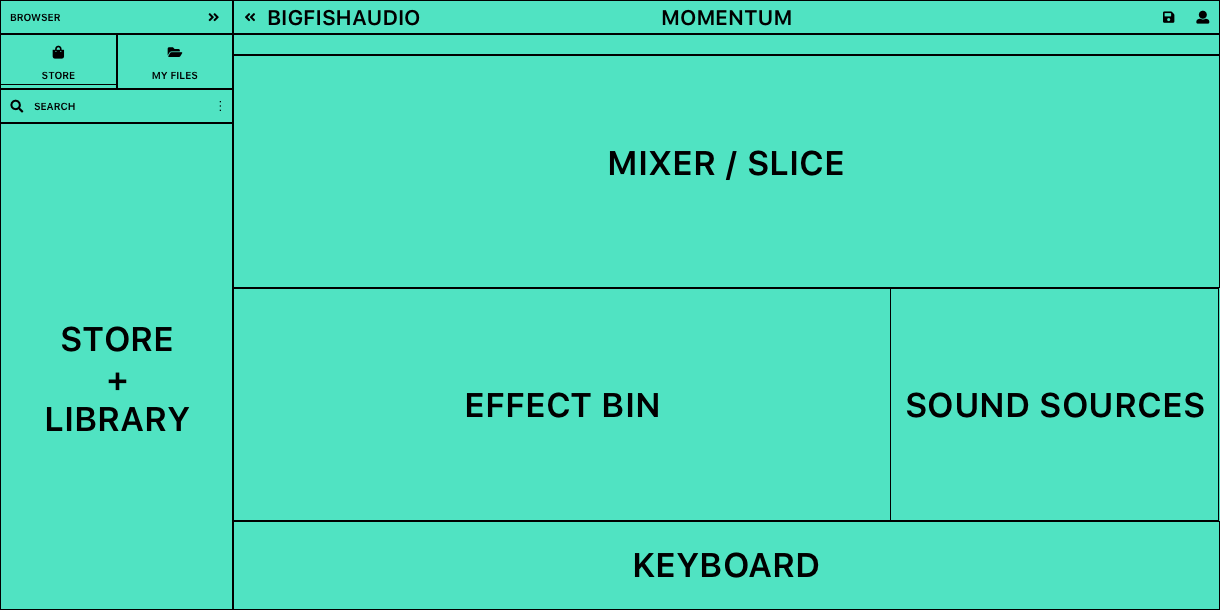
Momentum UI Anatomy
Momentum is made of three main sections: the Library, Mixer, and Slice views.
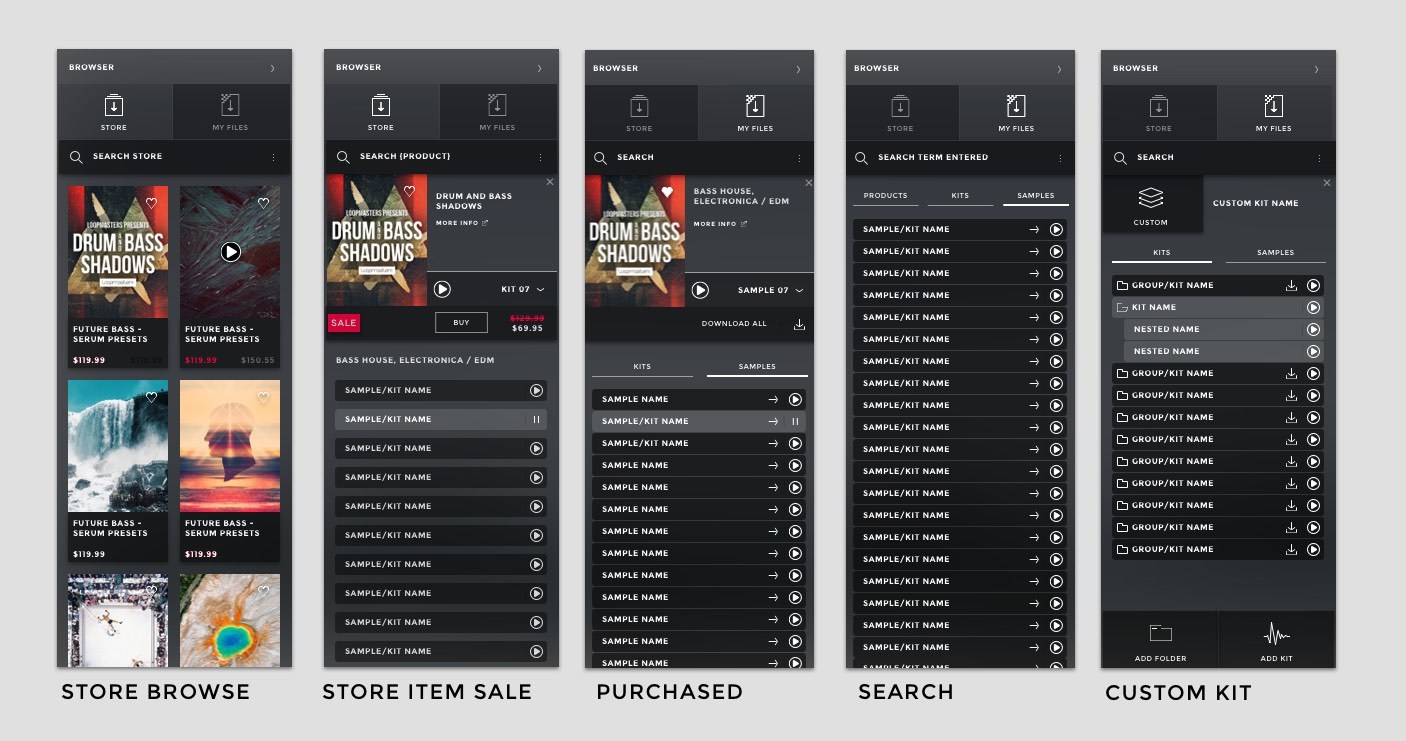
Library & Store View
Users enjoyed having the Library visible with the Mixer and Slice views. It solved the issue of rummaging though online shops or hard drives in an elegant way that puts their music project at the centre of the shopping experience. Users finally have full context when auditioning sounds already in their library.
The Store and Library share a similar UI language and layout, making the users feel comfortable while exploring Big Fish Audio's catalogue and encouraging exploration. Using cues from mobile catalogue design made these sections easy to navigate and optimized for the shopping experience.
Mix View
Vendors in Big Fish Audio's store can ship presets along with their sound samples that work with the users music keyboard inputs (MIDI).
This drag and drop UI flattens the learning curve and helps users create music fast with existing products from Big Fish Audio's offerings, compatible vendors, and custom kits.
The global effect drawer lets the user add colour to the kits without leaving the app.
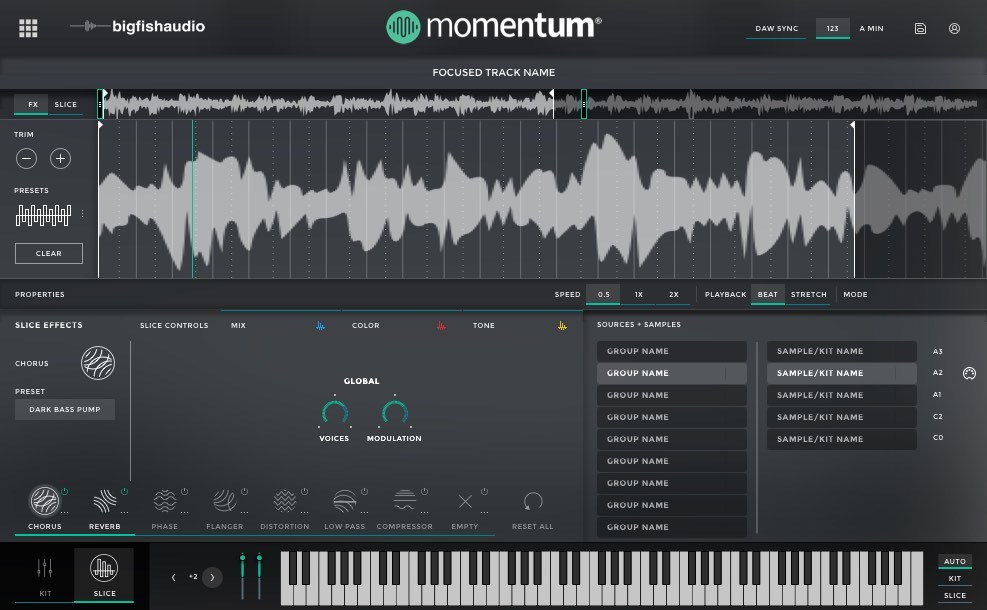
Slice View
The slice view is the most powerful part of the Momentum Sound Engine.
This is where the user can adjust how the Momentum sound engine interprets the sound file (how it loops, the speed, and key). This minimizes the massive amount of manual labour required in the traditional process of working with loop libraries.
The effect view adds colour to the sound file as well as on-the-fly adjustments per "slice", which aligns to the beat of the song. The user can have up to 8 effects active at a time per sample. Each effect has up to 3 modulatable effects as shown with the blue, red, and yellow tabs. The user can simply draw a pattern as a bar chart in each slice. The pattern can be copied to make a sequence ro be completely random.
Visual Language
Bold typography contrasted against bright colours creates hierarchy with an emphasis on legibility and navigation.
Dark blur/frost and subtle line work divides each region of the UI to maximize space.
Textures allude to the familiar look of music keyboards and other matte black and glass music hardware while keeping a flat material design aesthetic and philosophy.
Iconography
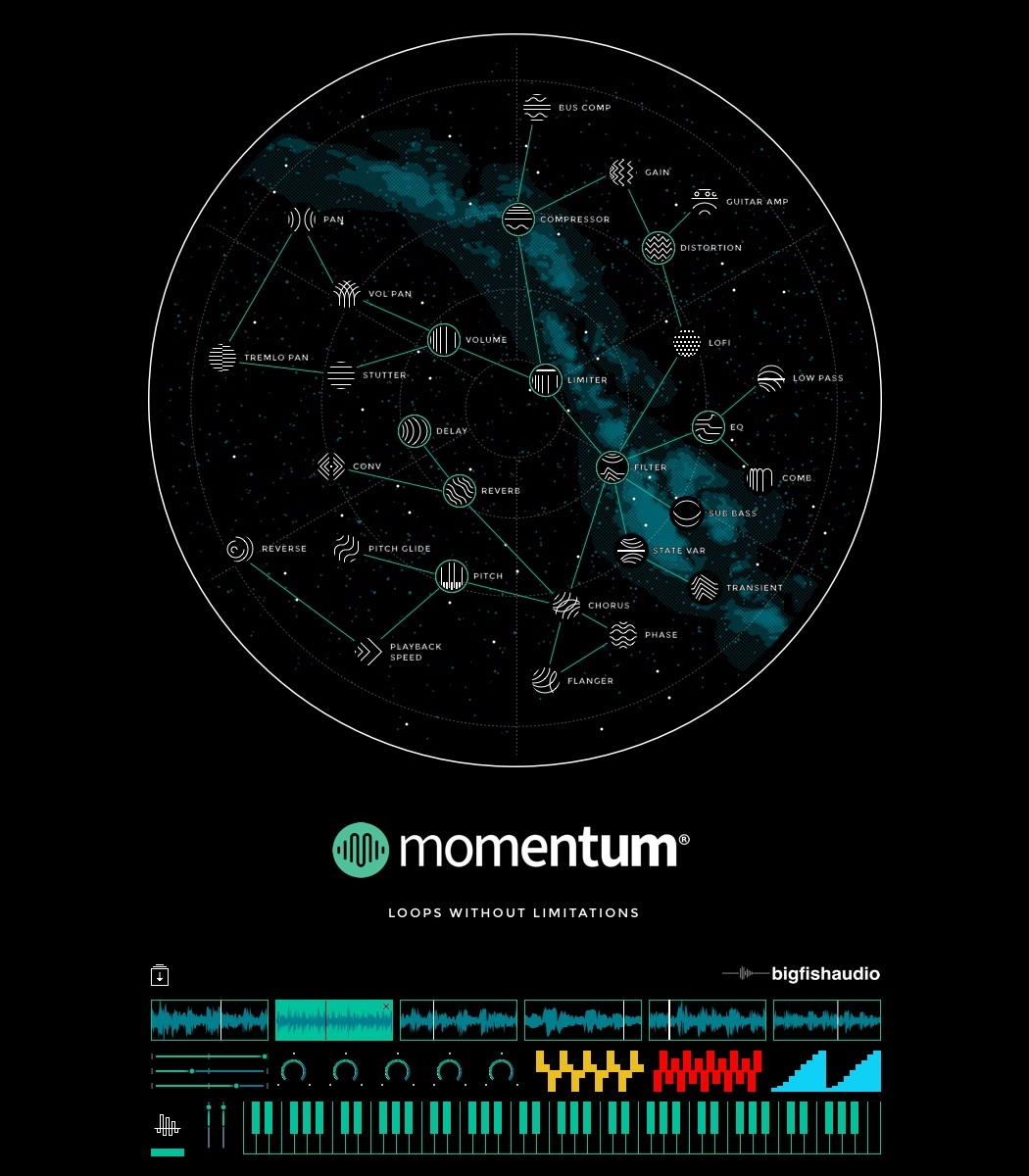
Audio production specific icons tie the experience together. Each icon creates a visual metaphor of the produced sound using thin crisp line work to match the visual rhythm you hear.
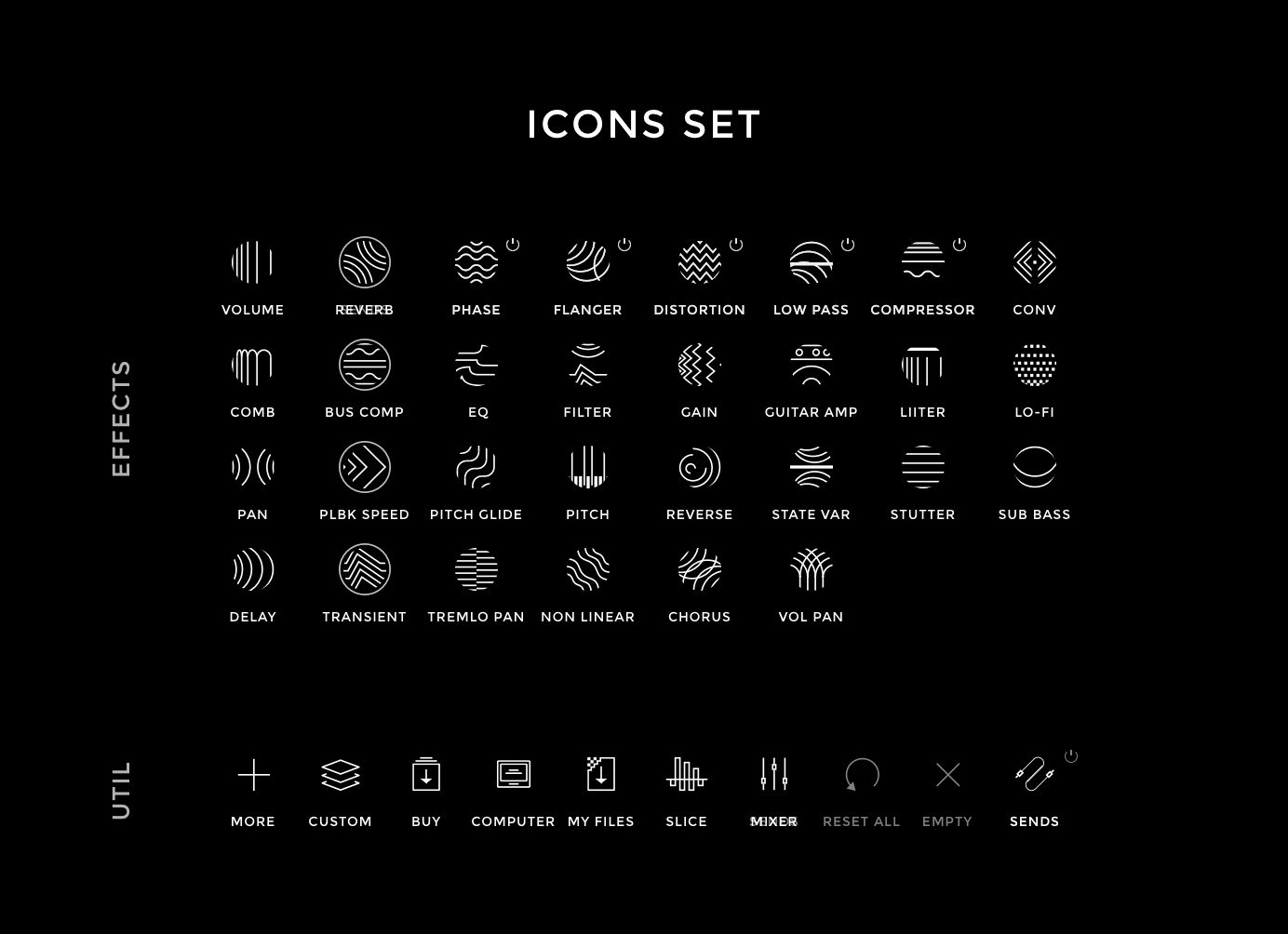
Building a visual language, users can quickly identify related effects. This communicates to pro and semi-pro users in a concise and fun way. The graphic below uses a constellation pattern to illustrate how each effect is connected.